
How Small Desk Accessories Improve Productivity
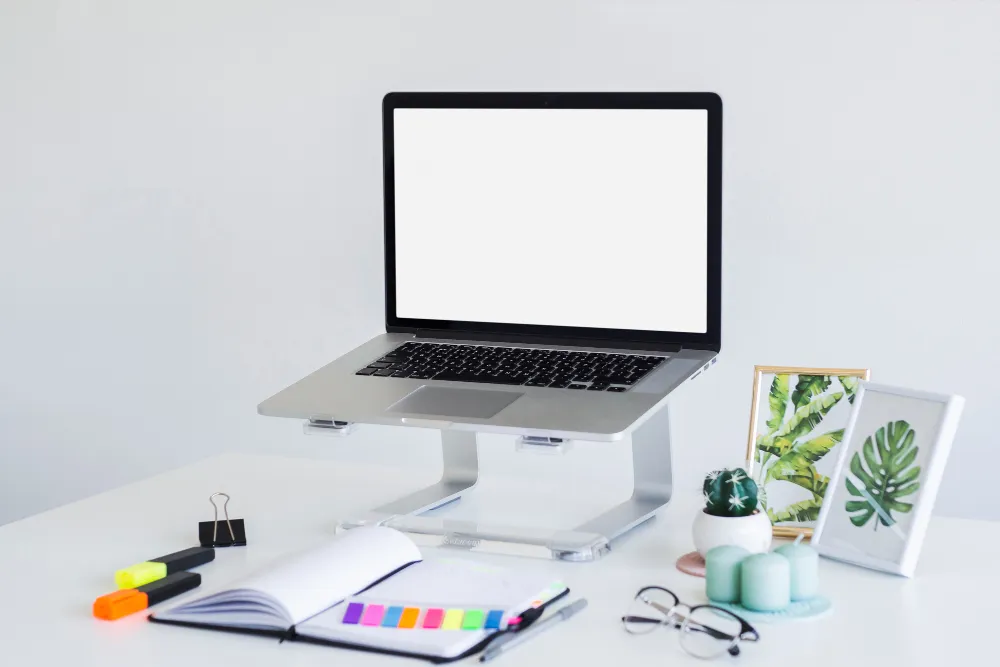
Small desk accessories improve productivity by reducing physical discomfort, eliminating workflow friction, and creating visual order that helps your brain stay focused on the task at hand. These tools, ranging from a laptop stand that lifts your screen to eye level, to a simple cable organiser that removes visual noise, work by removing the tiny frustrations that accumulate across an eight-hour workday. For corporate employees, business owners, and CEOs working out of Singapore’s compact office spaces or hybrid home setups, the desk is where strategy meets execution. What sits on it matters more than most people think. Key Takeaways What the Research Says About Desk Environment and Work Output A study published in the Journal of Environmental Psychology found that “workers in organised, ergonomically optimised environments reported a 32% increase in perceived productivity and a measurable reduction in fatigue compared to those working in cluttered or poorly equipped spaces.“ Separate research from Cornell University’s Human Factors and Ergonomics Lab has long shown that correcting monitor height alone can reduce neck strain by up to 54%, which directly affects how long you can sustain deep focus before fatigue kicks in. The takeaway is straightforward. Your desk setup is not a cosmetic concern. It is a performance variable. The Real Reason Small Accessories Matter Most productivity advice focuses on software, habits, or mindset. What gets overlooked is the physical layer. Your body and your environment are the hardware running all of that. In our work with clients across Singapore’s corporate sector, we’ve observed a pattern. The executives who complain about afternoon brain fog almost always have three things in common: a laptop sitting flat on the desk, a phone face-up next to the keyboard, and cables tangled behind the monitor. Small issues, compounded daily. What most people miss is that productivity is rarely lost in dramatic ways. It leaks out in two-minute increments. Reaching for a pen that rolled away. Squinting at a screen that sits too low. Getting distracted by a notification light on a phone lying flat. Each of these costs attention, and attention is the currency of knowledge work. Accessories That Solve Real Problems Laptop Stands: The Posture Reset A laptop was never designed to be used for eight hours a day. When you work with the screen at desk level, your neck tilts forward about 15 to 30 degrees, which places the equivalent of 12 to 18 kilograms of pressure on your cervical spine. A good laptop stand lifts your screen to eye level, which does three things at once. It corrects your posture, reduces eye strain, and improves airflow under the device so your laptop runs cooler and throttles less. For anyone spending long hours in video calls or documentation work, this is the single highest-impact upgrade on the list. Browse our collection of ergonomic laptop stands designed for Singapore office environments to find one that fits your setup. Mobile and Tablet Stands: Reclaiming Your Peripheral Vision Your phone is either a tool or a distraction, depending on where it sits. Lying flat on the desk, it pulls your eyes down every time the screen lights up. Propped up in a stand at an angle, it becomes a secondary display for messages, reference material, or a timer. A tablet stand takes this further. If you use an iPad for notes, reference documents, or as a second screen during meetings, a stable stand turns it from an occasional-use device into a permanent part of your workflow. Our range of mobile and tablet stands covers both adjustable metal options and compact folding designs for hot-desking. Desk Organisers and Tactile Tools Pen holders, cable clips, document trays, and small storage trays solve a problem most people don’t realise they have. Visual clutter increases cognitive load. Every object in your peripheral vision is something your brain is quietly tracking. There’s also a case for tactile tools. Fidget items, stress balls, and small desk toys are not toys in the traditional sense. They give restless hands something to do during calls or when thinking through a problem, which can actually improve focus for people who struggle to sit still. We’ve written more about this in our guide to the best desk toys for focused work. Notebooks, Sticky Notes, and Analog Tools Digital productivity tools are powerful, but there is research suggesting that writing by hand activates different parts of the brain and improves retention. A small notebook or a pad of sticky notes within arm’s reach is often more useful than opening another app. For a deeper look at how to balance both, see our comparison of digital versus paper productivity tools. How to Choose Accessories That Actually Get Used Before buying anything, spend a week paying attention to your own friction points. Where does your attention break? What do you reach for and not find? What hurts at the end of the day? The pro-tip most productivity guides skip: buy for your actual workflow, not the workflow you aspire to. A CEO who lives in meetings needs a different setup from a developer who writes code for six hours a day. The former benefits more from a good laptop stand and a mobile stand for reference material. The latter may get more out of a proper monitor arm, a wrist rest, and a cable tray. Conclusion A well-equipped desk is not about aesthetics. It is about removing the small, repeated frictions that drain your energy and attention across a workday. Start with one upgrade, a laptop stand is usually the highest-leverage choice, and build from there. Audit your desk this week, identify the three points of friction you hit most often, and solve those first. FAQ Do small desk accessories really make a difference, or is it just marketing? Yes, they make a measurable difference, particularly ergonomic items like laptop stands and monitor risers. Research from Cornell University shows correct monitor height reduces neck strain by over 50%, which directly affects how long you can focus before fatigue sets in.
