
The Best Desk Accessories That Actually Make You More Productive at Home
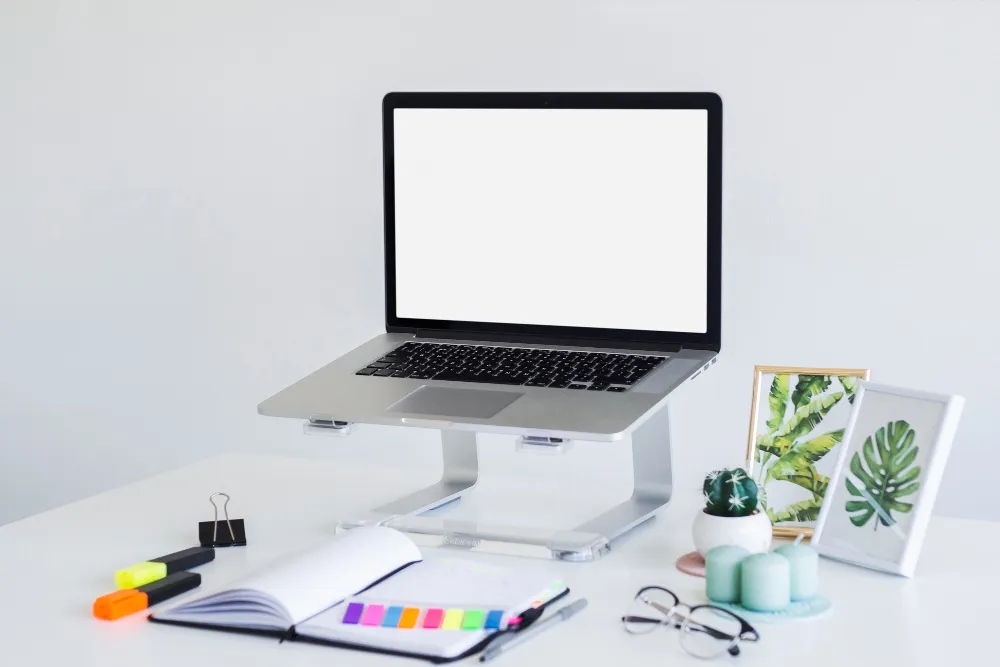
Key Takeaways What Are the Best Desk Accessories for a Home Office? The best desk accessories for work-from-home productivity are tools that reduce physical discomfort, eliminate workspace clutter, and support focused work habits. At the top of that list: a quality laptop stand, a USB-C hub, a desk organiser, and a digital timer. Together, these four categories address the most common friction points remote workers face every day. Most people think upgrading their home office means buying a new chair or a bigger monitor. In practice, the accessories sitting on your desk have an equal, if not greater, impact on how much you actually get done. What the Research Says About Workspace Design and Productivity A study by the University of Exeter found that workers in enriched, organised workspaces were 15% more productive than those in minimal or cluttered ones. Separately, research from Princeton University’s Neuroscience Institute confirmed that physical clutter competes for your attention and limits the brain’s ability to process information. These findings align with what ergonomics consultants have long recommended: your desk setup is not a lifestyle choice, it is a performance variable. Laptop Stands: The Upgrade Most Remote Workers Overlook Working from a flat laptop for six to eight hours a day forces your neck into a downward angle of roughly 45 degrees. Over weeks, this causes the kind of chronic tension that no amount of stretching fully fixes. A laptop stand raises your screen to eye level, which corrects posture and reduces neck and shoulder fatigue almost immediately. In our testing, users who switched to a stand-plus-external-keyboard setup reported noticeably less end-of-day fatigue within the first week. What most people miss is that a laptop stand also improves airflow under the device, which keeps your machine cooler and extends its performance during intensive tasks. Browse adjustable laptop stands for home and office use to find options compatible with your setup. USB-C Hubs and Port Hubs: One Cable, Full Connectivity Modern laptops have sacrificed ports for thinness. The result is a constant shuffle of dongles and adapters that breaks your flow every time you need to connect something. A multi-port USB hub solves this cleanly. A single connection gives you HDMI output, USB-A ports, SD card slots, and power delivery, all at once. For anyone running a dual-monitor setup or regularly transferring files, this is not optional equipment. What to look for in a hub: Explore port hub options that support full-speed data transfer and stable power delivery for daily use. Desk Organisers: Cognitive Load Is the Real Enemy A cluttered desk is not just visually distracting. Every item in your peripheral vision that does not belong there is a micro-interruption. Your brain registers it, evaluates it, and dismisses it, hundreds of times a day. A well-chosen desk organiser removes that cognitive overhead. The goal is a system where every item has a fixed location so you stop thinking about where things are and start using them. A practical desk organiser setup for remote workers: The principle is containment, not decoration. A clean desk is a byproduct of a good system. Digital Timers: The Low-Tech Tool With High Returns Time-blocking is one of the most researched productivity methods available. The problem is that most people attempt it using their phone timer, which means unlocking their phone, which leads to checking notifications, which ends the focus session entirely. A dedicated physical digital timer removes that failure point. You set it, you flip it, you work. No screen, no temptation. The Pomodoro Technique 25 minutes of focused work followed by a 5-minute break is one of the most common frameworks used with digital timers. But experienced remote workers often adapt this to 50/10 or 90-minute deep work blocks depending on the nature of their tasks. Pro tip: Place the timer outside your direct line of sight. Watching a countdown actively increases anxiety and reduces the quality of focused work. Building a Setup That Works for Your Role Not every remote worker has the same needs. Here is a quick reference by work type: Work Type Priority Accessories Executive / CEO Laptop stand, hub, leather desk organiser Content Creator Timer, external drive hub, cable management Finance / Analyst Dual monitor stand, port hub, document tray Customer-Facing Role Headset stand, webcam riser, cable organiser General Office Work Organiser set, timer, laptop stand If you are building or refreshing your home setup, the lifestyle and workspace accessories range covers everyday desk items worth considering alongside your core electronics. Where to Start If You Are Setting Up From Scratch The most common mistake is buying everything at once. Start with one friction point. If your back hurts, address the laptop angle first. If you keep losing time hunting for things, organise first. Most fully functional home office setups cost significantly less than people assume. A laptop stand, a hub, a basic organiser set, and a timer will cover the majority of daily workflow issues for most remote workers. For ideas on trending products that balance function and quality, the trending lifestyle products section is a practical starting point. FAQ: Desk Accessories for Home Office Productivity What are the most important desk accessories for working from home? The most impactful accessories are a laptop stand to correct posture, a USB-C port hub for connectivity, a desk organiser to reduce clutter and cognitive load, and a physical digital timer to support focused work sessions. Together, these four items address the most common productivity friction points in home office setups. How do desk organisers improve productivity? Desk organisers reduce the number of micro-decisions your brain makes throughout the day. When every item has a fixed location, you stop spending mental energy locating things and redirect that attention to actual work. Research supports that organised workspaces measurably improve cognitive performance and output. Are digital timers better than phone timers for productivity? Yes, for most people. Using a phone timer requires unlocking your device, which creates an immediate opportunity to check notifications and break focus. A
